
 swrentertainment.com
 Join our Discord
SWR Water Monitor
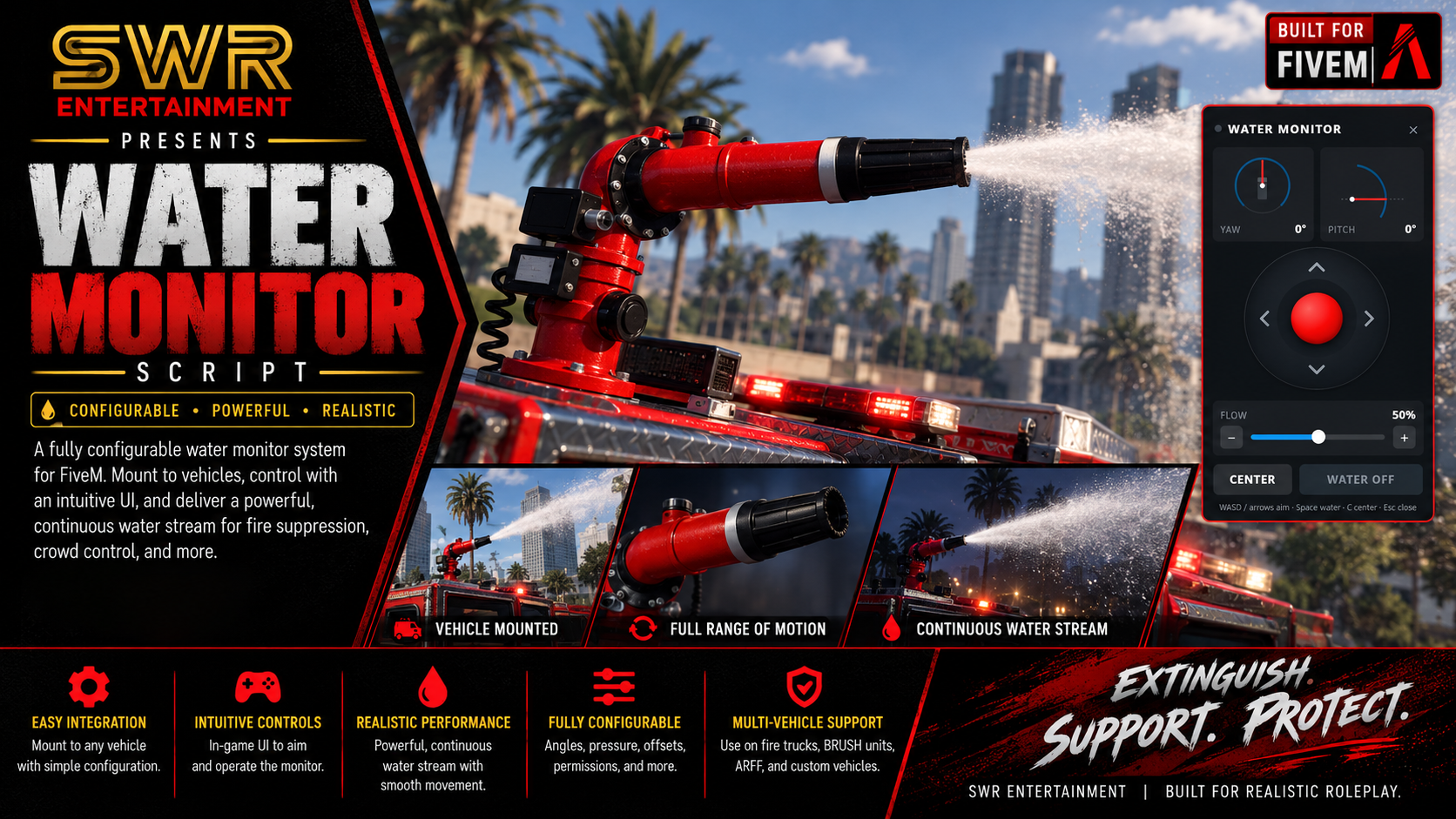
A truck-mounted water monitor your crew can aim, throttle and leave flowing. Set it up on any fire truck in a minute.
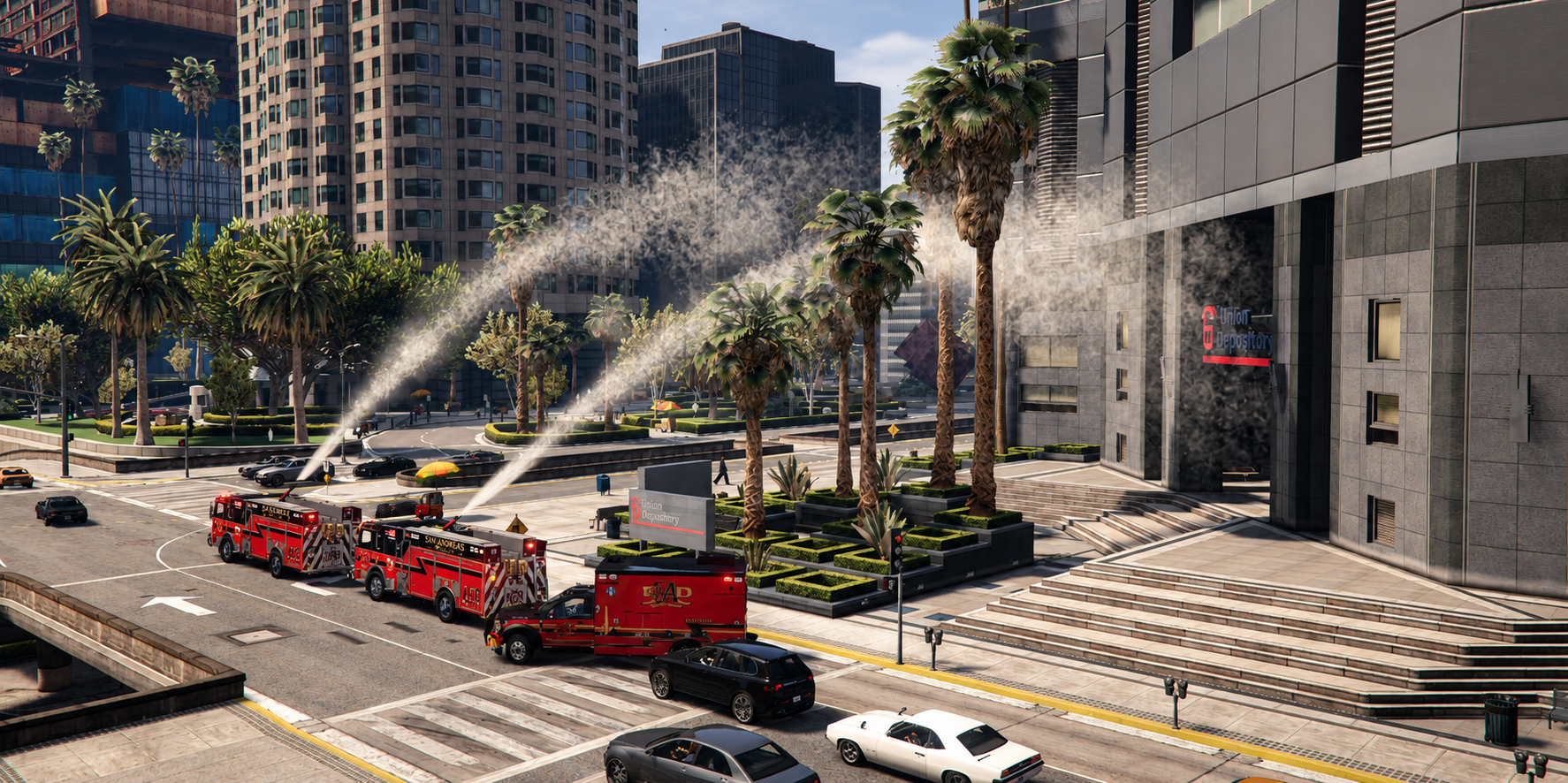
SWR Water Monitor puts a working deck-gun style water monitor on your fire apparatus. Firefighters aim it with an on-screen joystick from the passenger seat or standing next to the truck. They set the flow, then walk away while it keeps flowing on the fire. The stream follows a real arc and puts out fires where it lands. Every player sees the same aim and flow. Admins mount it on any truck, addon trucks included, with an in-game placement tool.
Read the documentation | Get support on Discord
Who it's for
- Roleplay servers with fire departments and fire apparatus
- Servers running addon fire trucks that want a working master stream or deck gun
- Any framework, or none
A monitor that actually moves
- Custom 3-part model (base, swivel, barrel) with its own textures. It turns and raises on the truck instead of being a static prop.
- 270° side to side (±135°) and -30° to +80° elevation. Limits can be set per truck.
- Motor-driven movement, not instant snapping: 30°/s turn and 20°/s elevation by default, both configurable.
Water that does the job
- The jet comes out of the nozzle tip and follows the barrel as it aims.
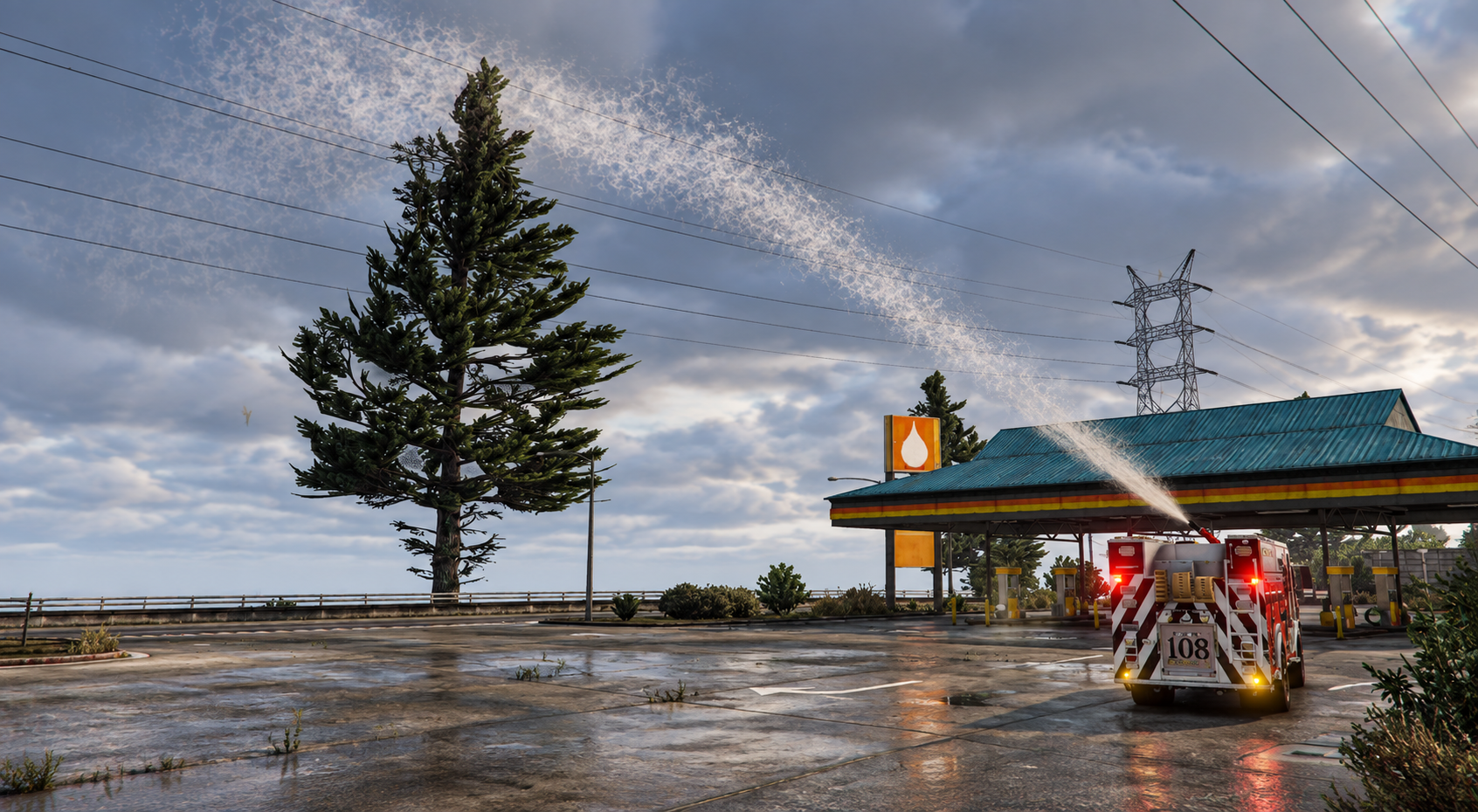
- Adjustable flow, 0 to 100%. More flow means a longer reach and a bigger stream, about 70 m at full flow and 30° elevation on flat ground.
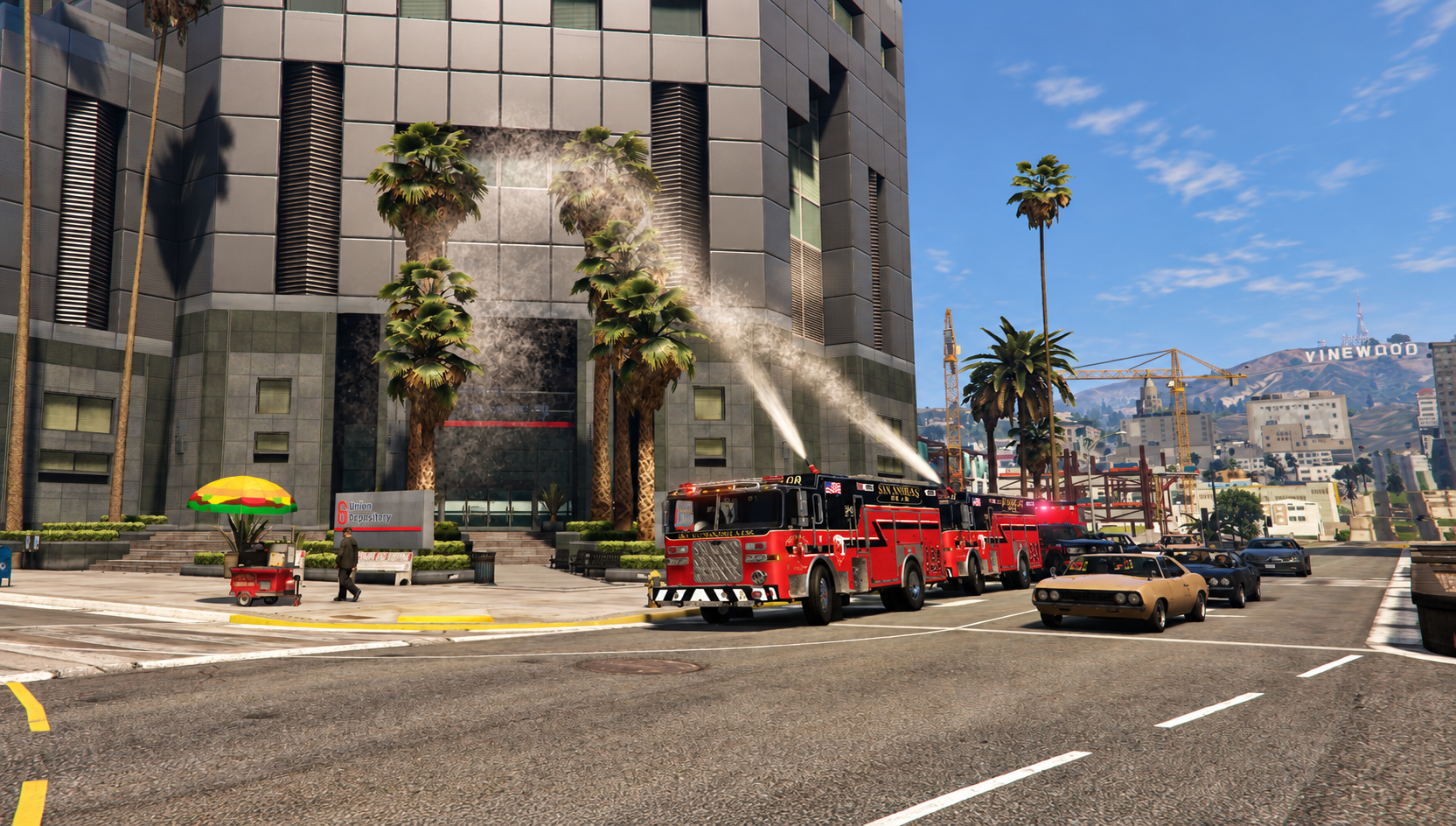
- The stream is traced as a real arc. GTA fires where it lands are put out, and the impact spray shows where it hits.
- Optional water push at the impact that shoves peds and loose objects.
- Leave it flowing. Aim, flow and on/off state live on the truck, so it keeps running with nobody in the cab.
The controller
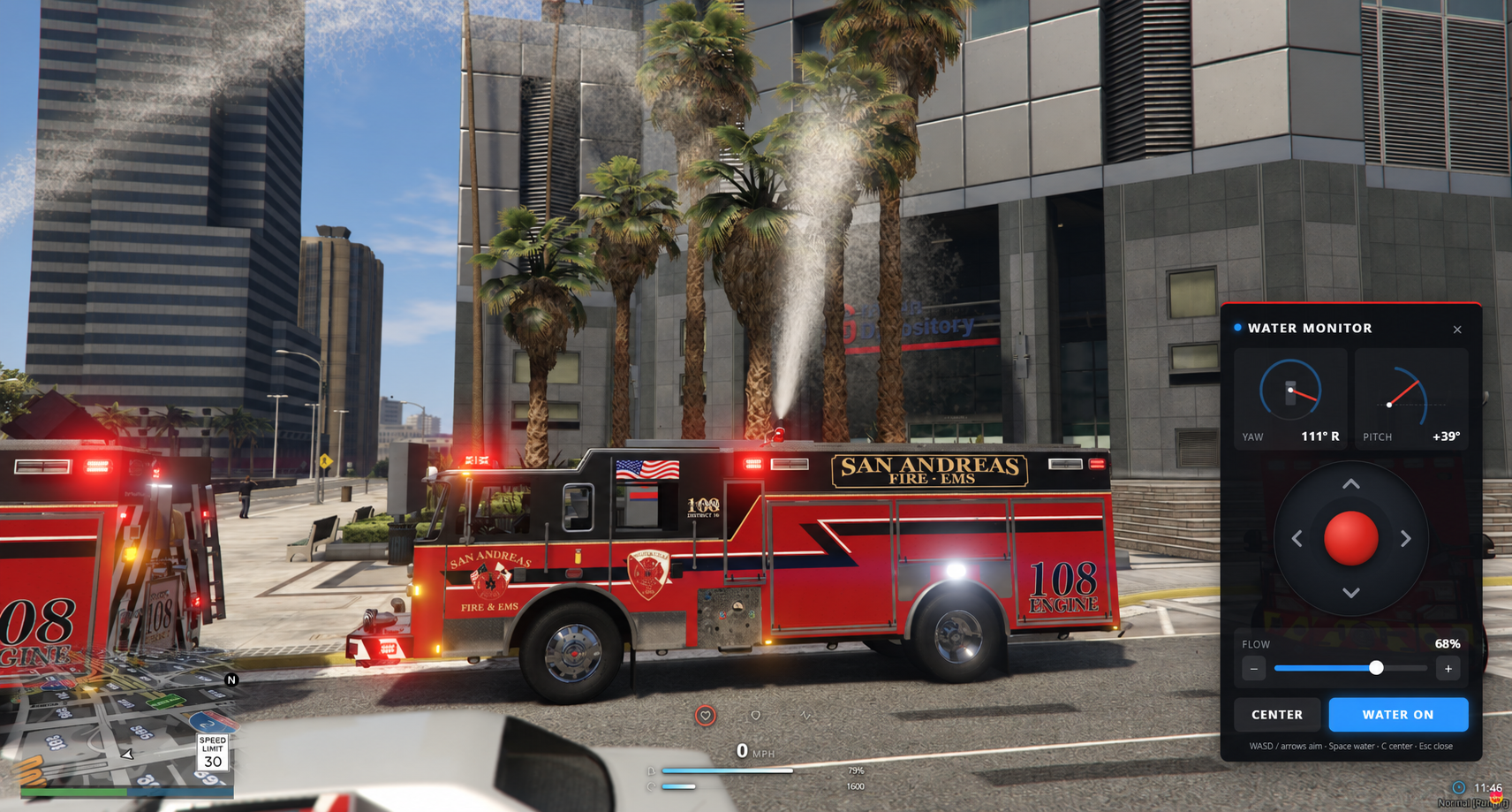
- On-screen joystick and arrow buttons. Drag the stick for fine, proportional aim, or hold an arrow for full speed.
- Live gauges for turn and elevation, showing the truck's allowed range.
- Flow slider, water on/off and a center button. Keyboard shortcuts too (WASD or arrows, Space, +/-, C).
- Passenger seat: a "Press E" prompt shows for the first few seconds after sitting down, and
/watermonitoropens it any time after. - On foot:
/monitorcontrollerwithin 3 m of the truck.
Synced for everyone
Every nearby player sees the same aim, flow and water. Changes are checked by the server, so only someone in a control seat or right next to the truck can operate it.
Built for admins
/positionnozzleplacement tool: a see-through monitor appears on the truck. Move and rotate it into place, press Enter, and a ready-to-paste config line is printed to F8.- Detects the truck's spawn name automatically, including addon trucks (read from your resources'
vehicles.meta), and picks a mount bone. Step through nearby bones to mount on a ladder or other moving part. - Ace-restricted, so only staff can use the placement tool.
- One-line config entry per truck. Control seats, limits, speeds, flow, reach, effects and commands are all configurable.
For developers
- Client exports to aim, set flow and switch water from other scripts.
- A
waterImpactevent fires where the stream lands, so fire scripts that track their own fires can hook in.
Easy install
- Drop
cfx-swr-water-monitorintoresourcesand addensure cfx-swr-water-monitor. - Give staff the placement tool:
add_ace group.admin command.positionnozzle allow - In game, get in a fire truck, run
/positionnozzle, place the monitor, press Enter, and paste the printed line intoconfig.lua.
No trucks are configured out of the box. You place it on your own trucks with /positionnozzle.
Technical details
| Framework | None required, standalone |
| Database | None |
| Dependencies | None. OneSync must be enabled. |
| Escrow | Cfx asset escrow. config.lua stays open and editable. |
| Commands | /watermonitor, /monitorcontroller, /positionnozzle (admin) |
| Performance | Tested in game. Per-frame work only runs while a truck with a monitor is nearby. |
What's included
- The resource, ready to drop into
resources/andensure - Streamed models: the 3-part monitor and the one-piece placement preview. Textures are built in, so there's nothing else to stream.
- Documentation: README in the download and the full guide at swrentertainment.com/docs
SWR Water Monitor v1.0.0 by SWR Entertainment. Questions? Join us on Discord.