
 swrentertainment.com
 Join our Discord
Marksmen Mods Store Reports
Description: The "Marksmen Mods Store Reports" script is a comprehensive management tool designed for FiveM servers. This script allows players to interact with various gas station stores by approaching designated markers in the game world. Upon interaction, players can submit and manage reports such as stock and sales reports, ensuring smooth and continuous operation of the stores.
Features:
- Interactive Markers: Players can approach and interact with markers placed at gas station stores.
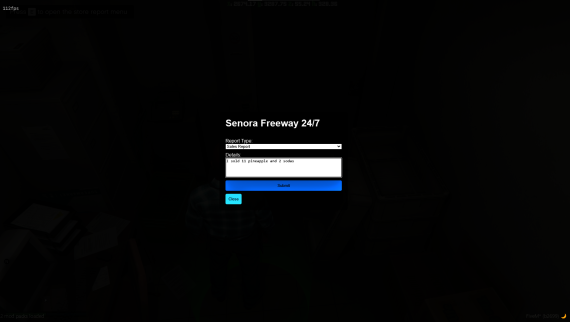
- Report Submission: Players can submit stock and sales reports directly from the in-game interface.
- Discord Integration: Submitted reports are automatically sent to a specified Discord channel via webhook for easy monitoring and management.
- Customizable: Store locations and Discord webhook URL can be easily configured in the
config.luafile. - User-Friendly Interface: A clean and intuitive UI for report submission, ensuring a seamless user experience.
- Visual Indicators: Customizable marker color and height adjustment to fit seamlessly into the game environment.
How to Use:
- Approach the rear of a gas station store marked with a circle indicator.
- Press 'E' to open the store report menu.
- Fill out the necessary details in the report form and submit.
- Reports are sent to the configured Discord channel for review.
Configuration:
- Modify store locations and Discord webhook URL in the
config.luafile. - Adjust marker colors and Z-axis height as needed for better visibility and integration with the game world.
With "Marksmen Mods Store Reports," managing your in-game gas station stores has never been easier. Keep your operations running smoothly and stay informed with real-time report submissions.
Images: https://imgur.com/a/mWl37PA